> For the complete documentation index, see [llms.txt](https://fitek-learning.fitek.com/llms.txt). Markdown versions of documentation pages are available by appending `.md` to page URLs; this page is available as [Markdown](https://fitek-learning.fitek.com/fitek-learning-space/french-francais/getting-started/guide-de-demarrage/tableau-de-bord.md).
# Tableau de bord
### Votre tableau de bord regroupe en un coup d'œil toutes les informations importantes.
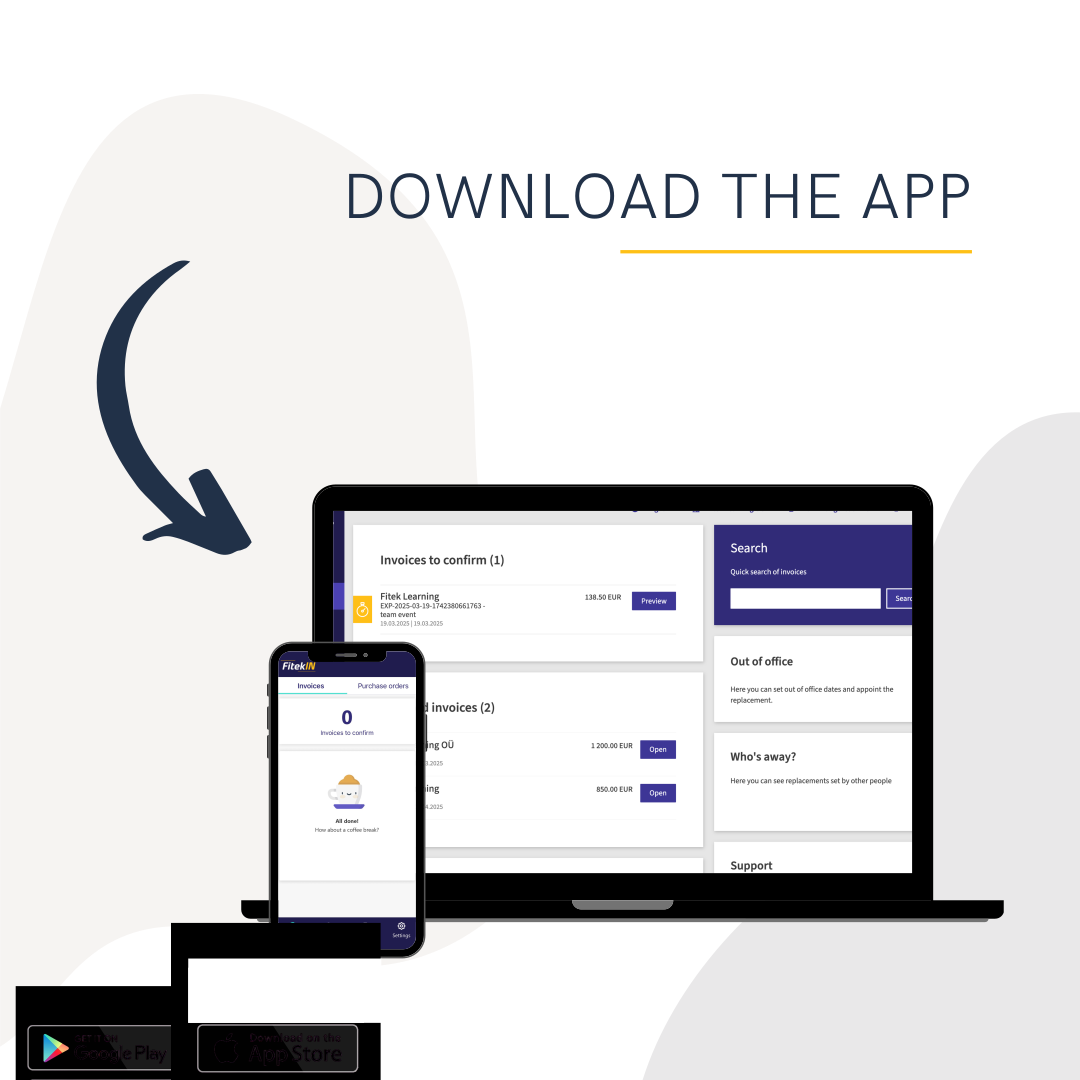
Dès votre connexion, vous voyez ce qui demande votre attention, ce qui attend une action et où en est le traitement des factures de votre entreprise, sans devoir parcourir les menus.
### Ce que vous offre le tableau de bord
**Un contenu adapté à votre rôle.** Que vous soyez administrateur avec une vue sur l'ensemble ou approbateur chargé de factures précises, votre tableau de bord affiche ce qui compte pour votre travail quotidien, et seulement cela.
**Des mises à jour en temps réel.** Lorsqu'une nouvelle facture arrive ou qu'une approbation attendue est donnée, vous en êtes informé immédiatement. Des notifications vous signalent les nouveautés, et un clic actualise votre vue.
**Les actions courantes à portée de main.** Approuver une facture, rejeter une dépense suspecte, réaffecter un document à un collègue ou consulter les informations détaillées de l'entreprise : tout se fait directement depuis le tableau de bord, sans passer d'un écran à l'autre.
**Une navigation simple.** Cliquez sur le logo Fitek à tout moment pour revenir à l'accueil, et utilisez le menu principal pour accéder rapidement aux autres modules.
La vidéo ci-dessous présente le tableau de bord et ses fonctionnalités.
{% embed url="" %}
App Store\
\ Google Play
---
# Agent Instructions
This documentation is published with GitBook. GitBook is the documentation platform designed so that both humans and AI agents can read, navigate, and reason over technical content effectively. Learn more at gitbook.com.
## Querying This Documentation
If you need additional information that is not directly available in this page, you can query the documentation by asking a question.
Perform an HTTP GET request on the following URL with the `ask` and `goal` query parameters:
```
GET https://fitek-learning.fitek.com/fitek-learning-space/french-francais/getting-started/guide-de-demarrage/tableau-de-bord.md?ask=&goal=
```
`ask` is the immediate question: it should be specific, self-contained, and written in natural language.
`goal` is what the user is ultimately trying to achieve, the reason they need the answer. Sharing it helps GitBook give you a better, more relevant answer. A goal is most helpful when it describes the outcome the user wants rather than restating the question. For example, with `ask=how do I create an API token`, a goal like `automate deployments from our CI pipeline` lets GitBook tailor the answer to that use case.
The response will contain a direct answer to the question and relevant excerpts and sources from the documentation.
Use this mechanism when the answer is not explicitly present in the current page, you need clarification or additional context, or you want to retrieve related documentation sections.